Smallpdf Alternative: Free PDF Tools With No Daily Limit
By Bishal Neupane · · 2 min read
Smallpdf is polished and easy to use, but its free plan limits how much you can do before it asks you to subscribe. If you only need everyday PDF jobs, there's no reason to pay or wait.
Why people look for an alternative
- Usage limits on the free plan (check Smallpdf's pricing page for the current details).
- Uploads — like most online PDF services, Smallpdf processes files on its servers.
- Sign-ups for some features.
What you can do here, free and unlimited
- Merge, split, rotate and reorder: Merge PDF, Split PDF, Organize PDF.
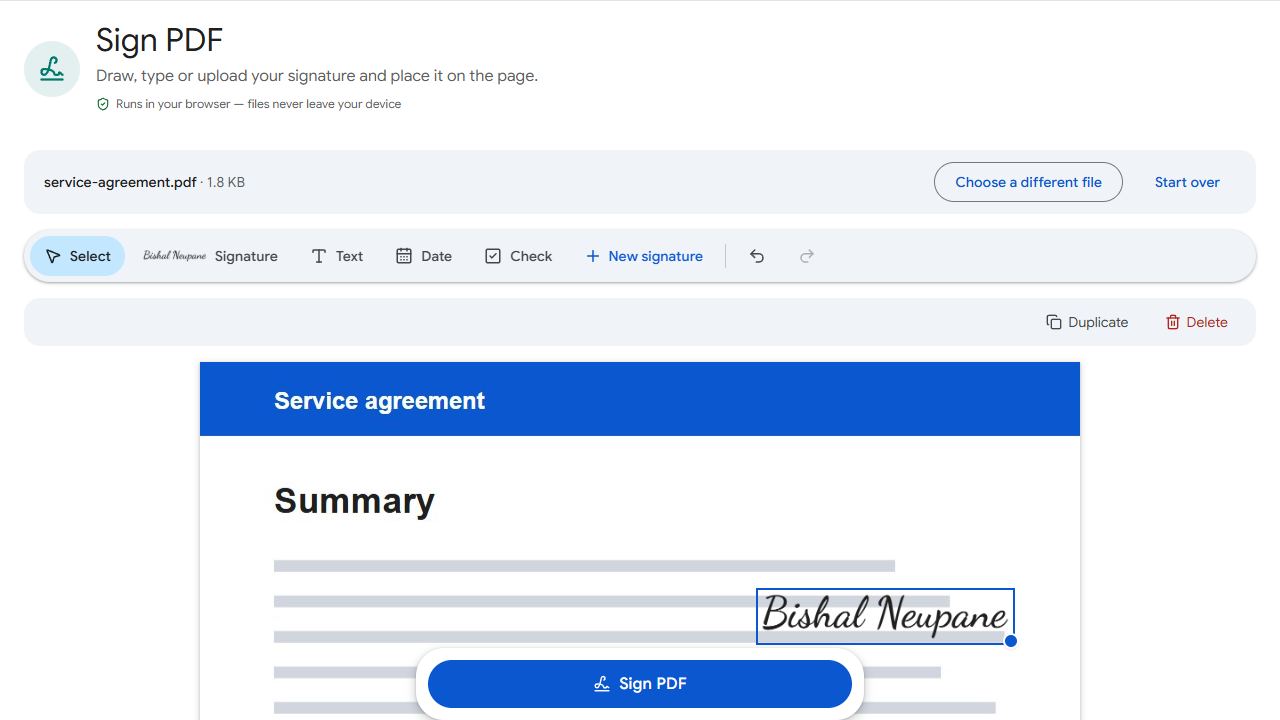
- Sign and fill: Sign PDF and Fill PDF Forms.
- Edit: Edit PDF changes existing text and adds text, images and shapes.
- Convert: PDF to JPG, JPG to PDF, PDF to Text.
- Scanned documents: OCR PDF in 14 languages.
- Shrink and secure: Compress PDF, Protect PDF and Unlock PDF.
There's no account and no daily cap. Every file is processed in your browser, so nothing is uploaded.
What Smallpdf does that we don't
Smallpdf offers PDF to Word and other Office conversions, signature requests to other people and team features. Those jobs need server software or paid plans, and PDFCraftly doesn't offer them. If that's what you need, Smallpdf or a similar service is the better fit.
Switching is easy
There's nothing to install or export. Open the tool you need, add your file and download the result. Bookmark the tools page if you use them often.
PDFCraftly isn't affiliated with Smallpdf. Plans and limits change, so check their site for the latest.
Common problems and fixes
- I need to compress a PDF.
- Use Compress PDF. It has Low, Recommended and Extreme levels and never hands back a bigger file.
- I need to password-protect a PDF.
- Use Protect PDF. It encrypts with AES-256 in your browser, and Unlock PDF removes a password you know.
- I relied on Smallpdf's e-sign requests to other people.
- Sign PDF adds your own signature. To collect someone else's, send them the file; they can sign it in Sign PDF too.
- A tool is slow on a big file.
- Processing uses your device's power. Close other tabs, or work on a computer rather than an older phone for very large files.
Frequently asked questions
No. You can use any tool as often as you like.
No. There's no sign-up for any tool.
No. It's an independent site.
No. Everything is processed in your browser, on your device.