How to Convert a PDF to Markdown for Notes, Docs and AI Tools
By Bishal Neupane · · 2 min read
Markdown is plain text with light formatting: # for headings, - for lists. Notes apps, documentation sites and AI chat tools all understand it, which makes it a great format for reusing the text inside a PDF.
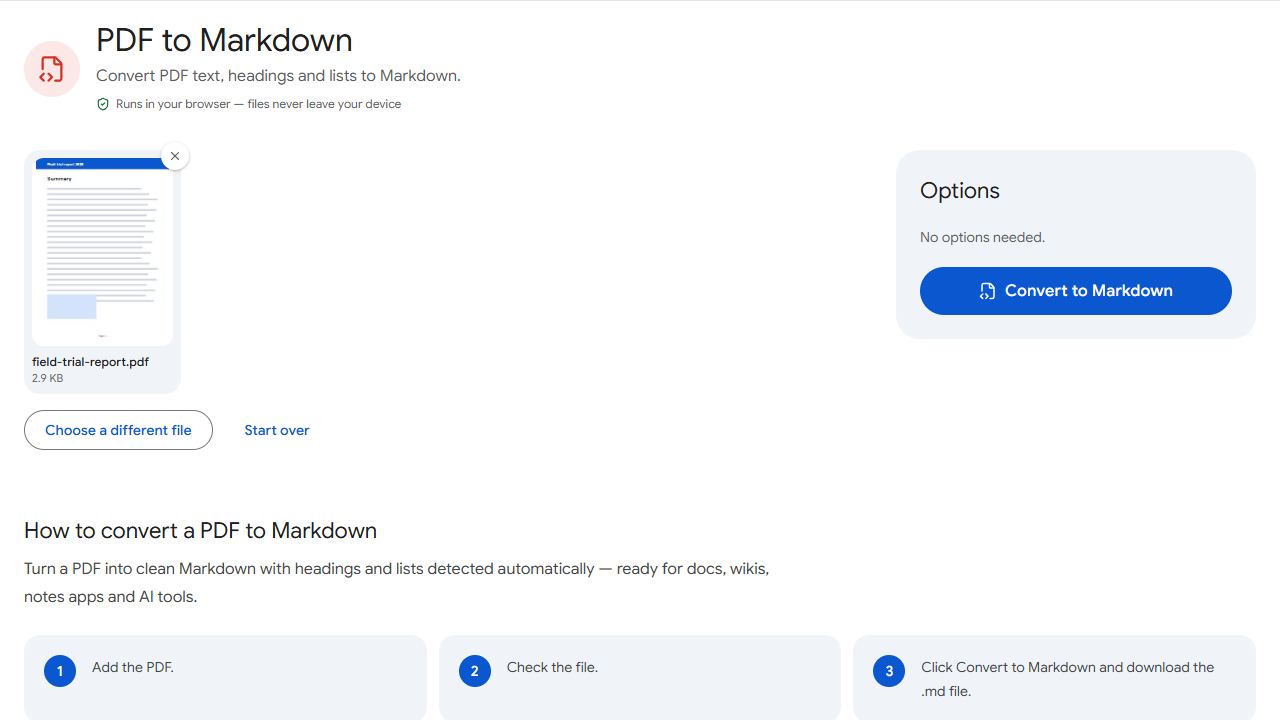
Step by step
- Open PDF to Markdown and add the PDF.
- Click Convert to Markdown.
- Download the
.mdfile and open it in your notes app or editor.
Larger text is turned into Markdown headings, and bulleted or numbered lines become lists, so the structure of the document survives.
Good uses
- Notes apps such as Obsidian or Logseq, which store notes as Markdown files.
- Documentation in GitHub, GitLab or a docs site.
- AI chat tools — pasting clean Markdown usually works better than copying straight from a PDF viewer, which often breaks lines mid-sentence.
Markdown or plain text?
Choose Markdown when headings and lists matter. If you only need the raw words — for word counts, search or spreadsheets — PDF to Text gives a plain .txt file and works on several PDFs at once.
Limits to know
Images aren't included, and complex layouts such as multi-column pages or tables may need a little tidying afterwards. Scanned PDFs have no text to convert — run OCR PDF first.
Before pasting a document into an AI tool, check whether it contains personal or confidential information.
Common problems and fixes
- The Markdown file is empty.
- The PDF is a scan with no text layer. Run OCR PDF first, then convert.
- Headings aren't detected.
- Headings are detected from larger text. Documents where headings are the same size as body text come out as paragraphs.
- Columns are mixed together.
- Multi-column layouts are read line by line and may interleave. Tidy the result in your editor.
- Tables look messy.
- Tables become plain text. Rebuild important tables in your editor.
Frequently asked questions
A plain-text file using Markdown formatting. Any text editor can open it, and notes apps like Obsidian display it nicely.
Often, because headings and lists preserve the document's structure, which helps the AI understand it.
No. Only the text is converted.
No. The conversion runs in your browser.