How to Flip or Mirror a PDF (Horizontal or Vertical)
By Bishal Neupane · · 2 min read
Flipping — or mirroring — a page produces its reflection, as if you held it up to a mirror. It's different from rotating, and it solves a few very specific problems.
When you need to flip a PDF
- Mirrored scans: some scanners, and photos taken with a front-facing camera, produce backwards text.
- Iron-on transfers: T-shirt transfer paper needs the design printed mirrored so it reads correctly once pressed.
- Printing on film or glass: screen-printing films, window decals and some labels are printed mirrored and viewed from the other side.
Step by step
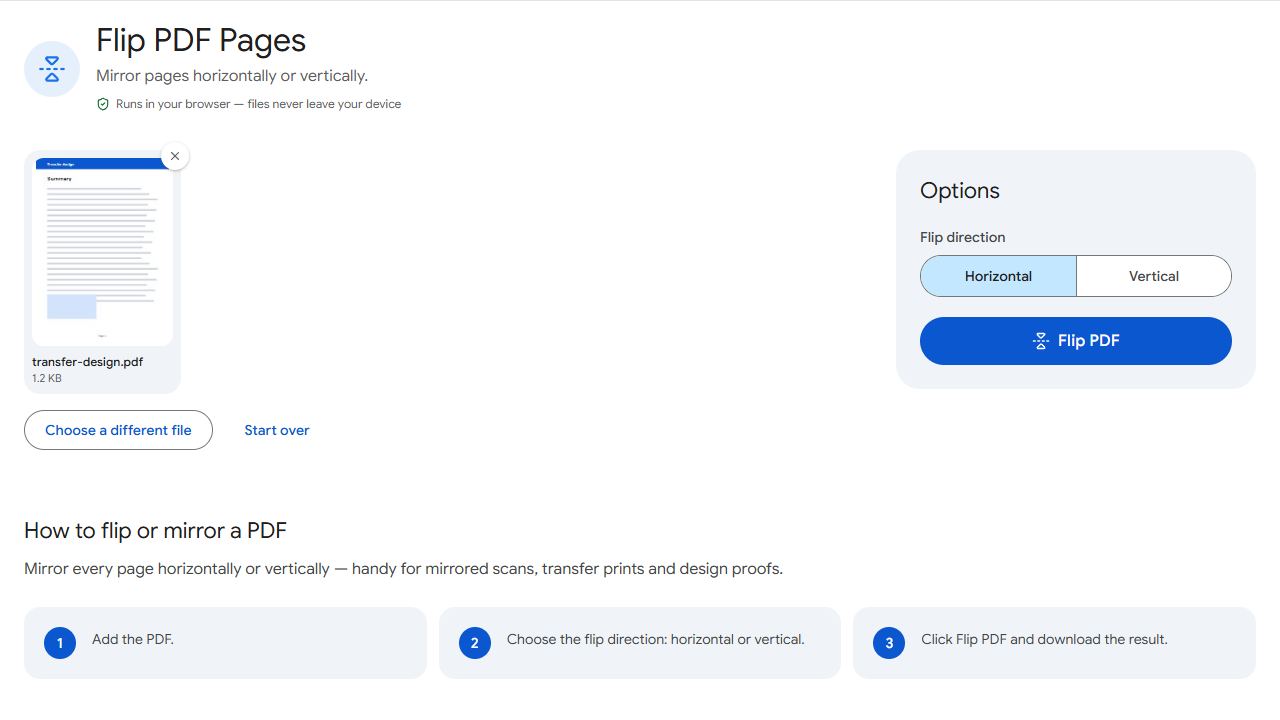
- Open Flip PDF and add the file.
- Choose horizontal (left–right mirror, the most common) or vertical (top–bottom).
- Click Flip PDF and download.
Flip or rotate?
If the text reads correctly but the page is sideways or upside down, you need Rotate PDF, not Flip. A quick test: can you read the text by turning your head? Then rotate. If the letters themselves are backwards, flip.
Flipping twice in the same direction brings the page back to normal.
Common problems and fixes
- The page is upside down, not mirrored.
- Use Rotate PDF by 180° instead.
- Only some pages should be flipped.
- Extract those pages with Extract Pages, flip them, then merge everything back in order.
- The transfer print still comes out backwards.
- Some printers have their own mirror setting. Use either the flipped PDF or the printer option, not both.
- I need a mirrored copy and a normal copy.
- Keep your original file as the normal copy and download the flipped version as a second file — the original is never changed.
- The mirrored design prints too small or too large.
- Print at 100% ("Actual size") so the transfer matches the size you designed. "Fit to page" can shrink it slightly.
Frequently asked questions
No. Pages are transformed, not re-rendered, so text stays sharp.
Flip the file again in the same direction, or go back to your original, which is never changed.
Horizontal — so the design reads correctly after it's pressed face-down.
The text is mirrored along with the page, so it looks backwards on screen. That's expected for transfers and film printing.
Yes. Flip PDF works in mobile browsers — add the file, choose the direction and download the mirrored copy.