Why Is My PDF Upside Down or Sideways? How to Fix It
By Bishal Neupane · · 2 min read
A report arrives with every other page upside down, or a phone scan opens sideways. It's one of the most common PDF annoyances, and it usually has a simple cause.
Why it happens
- Paper fed the wrong way. Scanners and copiers scan whatever orientation the paper went in. One sheet turned around gives one upside-down page.
- Double-sided scanning. Some scanners flip the back of each sheet, so every even page comes out upside down.
- Phone photos. Phones store which way up a photo was taken as a separate tag. Tools that ignore the tag produce sideways pages.
- Landscape pages. Wide tables and slides are often saved as portrait pages with the content turned on its side.
Fix only the pages that are wrong
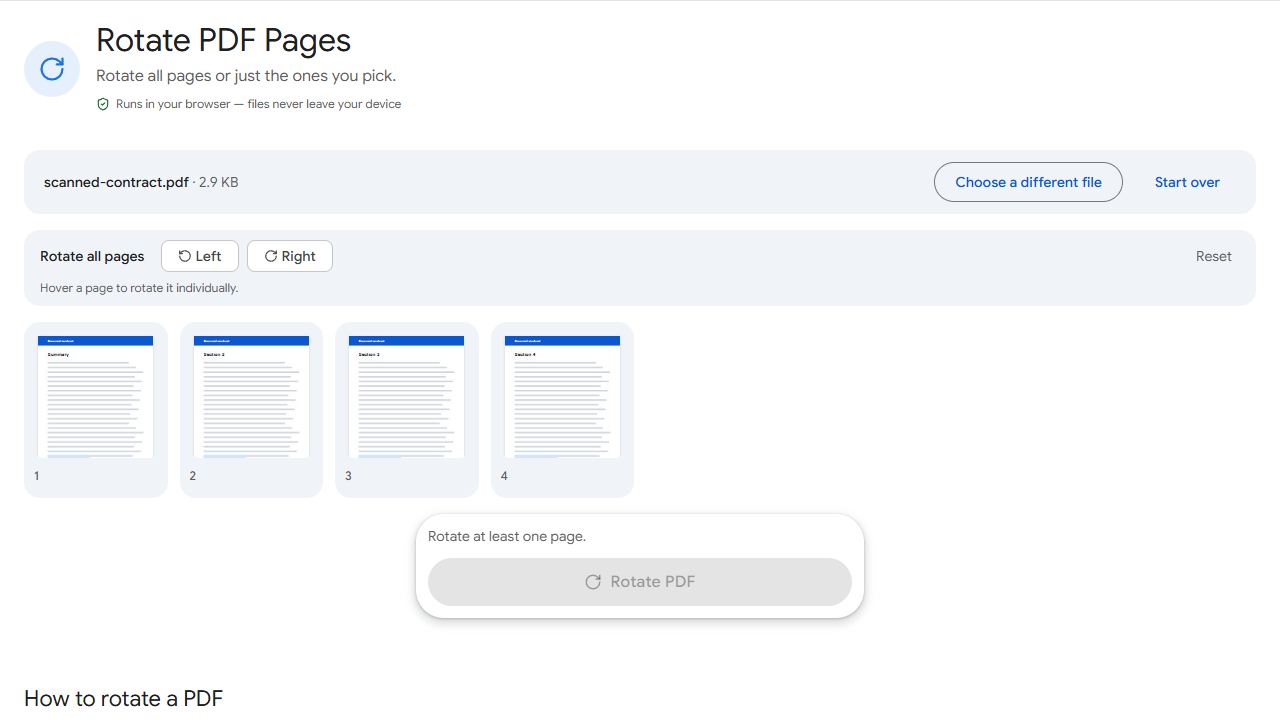
- Open Rotate PDF and add the file.
- Use the rotate buttons on the thumbnails of the wrong pages. Two clicks turn a page upside down the right way.
- Click Rotate PDF and download.
If every page is wrong, use Left or Right at the top to rotate them all at once. The fix is saved in the file, so it opens correctly in every viewer and prints the right way up.
Pages wrong in more than one way?
If pages are also in the wrong order or include blank backs, fix everything in one place with Organize PDF: rotate, drag to reorder and delete pages in one view.
If the text reads backwards, the page is mirrored, not rotated. Use Flip PDF instead.
Stop it happening next time
- Stack pages the same way up before scanning, and check the scanner's arrow showing which edge goes in first.
- Turn on the scanner's auto-rotate or auto-orientation option if it has one.
- Convert phone photos with JPG to PDF, which reads the photo's orientation tag so pages come out upright.
Common problems and fixes
- I rotated the page, but it's wrong again when I reopen the file.
- Your viewer only rotated the view, not the file. Rotate with Rotate PDF and use the downloaded copy.
- Rotating all pages fixed some and broke others.
- Only some pages were wrong. Start again from the original and rotate just those pages using the buttons on their thumbnails.
- The text reads backwards.
- The page is mirrored, not rotated. Use Flip PDF to flip it horizontally.
- Rotated pages print at the wrong size.
- Check your printer's settings for Fit to page and Auto-rotate, which should be on when a document mixes portrait and landscape pages.
Frequently asked questions
No. Rotation is stored as a page setting; the page content isn't re-rendered or compressed.
Yes. Use the rotate buttons on that page's thumbnail and leave the rest as they are.
Phones record orientation in a tag inside the photo. Converters that ignore it place the image sideways. JPG to PDF reads the tag.
Yes. Rotate PDF works in any phone browser.