How to Reduce a Photo or Signature to 20, 50 or 100 KB
By Bishal Neupane · · 2 min read
Exam, job and government forms often want a photo under 50 KB and a signature under 20 KB, while phone photos are several megabytes. Here's how to get under the limit and keep the image clear.
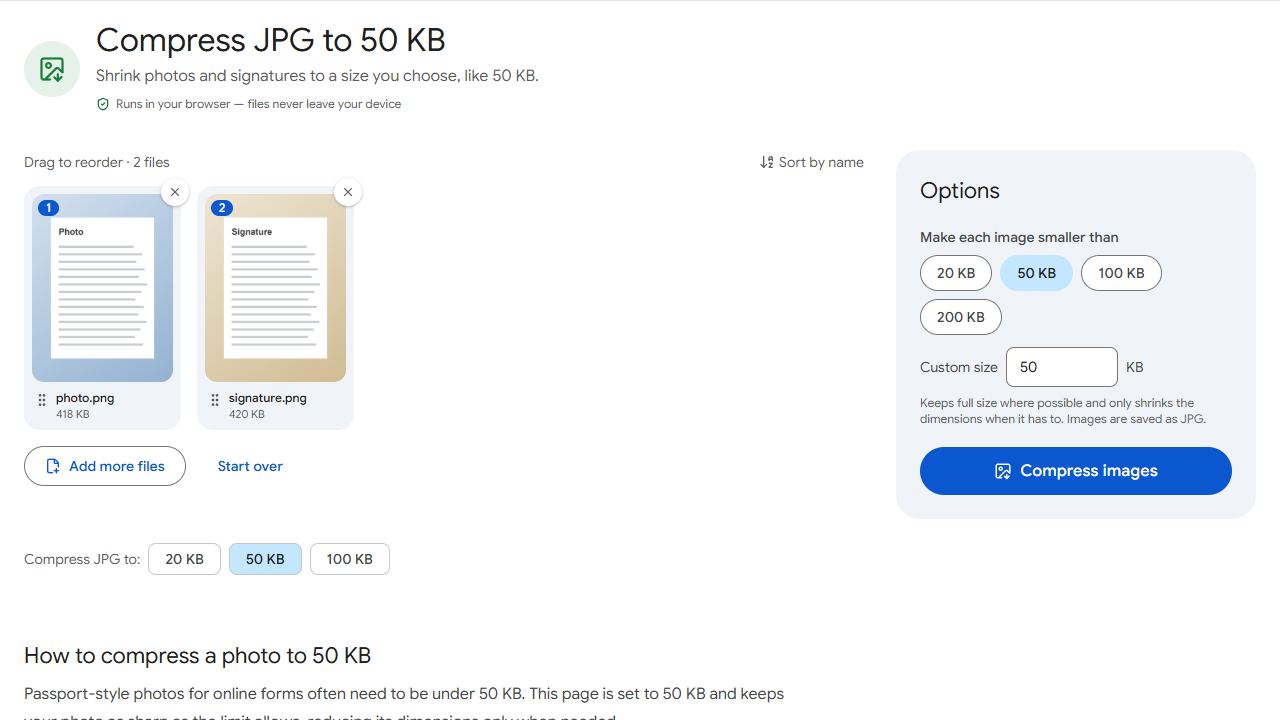
Step by step
- Open Compress JPG, or go straight to the 20 KB, 50 KB or 100 KB page.
- Add the photo or signature (JPG, PNG, WebP, GIF or BMP).
- Choose the limit or type your own, then click Compress images.
- Download the JPG. The result shows its size and, if it had to be resized, its new dimensions.
The tool first lowers the JPEG quality at full size and only shrinks the dimensions when that isn't enough, so you get the sharpest image under the limit. Everything happens on your device.
Crop first for sharper results
Every pixel costs space. Cropping a photo to just your head and shoulders, or a signature to just the ink, lets the tool keep far more detail within the same limit. Your phone's Photos or Gallery app can crop in a few taps.
Getting a clean signature
- Sign on plain white paper with a dark pen.
- Photograph it in daylight, straight on, without shadows.
- Crop tightly around the signature before compressing.
Need a PDF instead?
Some forms want the photo or signature inside a PDF. Convert it with JPG to PDF after compressing, or compress a finished PDF to a limit with Compress PDF and Target file size.
Common problems and fixes
- It says it couldn't get under the limit.
- The image has too much detail for that size. Crop it to just the part the form needs, then try again.
- The form rejects the photo's dimensions.
- Some forms require exact pixel sizes. Crop the photo to that shape first, and check the size reported after compressing.
- My photo came out sideways.
- The photo's rotation tag is applied, so this is rare. If it happens, rotate the photo in your Photos or Gallery app and compress it again.
- My PNG signature now has a white background.
- That's expected: JPG has no transparency, and forms expect a white background for signatures.
Frequently asked questions
No. Compression runs in your browser, on your device.
Forms almost always accept JPG, and it's far smaller than PNG for photos and scanned signatures.
Yes. Each one is compressed to fit on its own, and they download together as a ZIP.
No. Results stay under the limit either way.