A Free iLovePDF Alternative That Doesn't Upload Your Files
By Bishal Neupane · · 2 min read
iLovePDF is one of the most popular PDF sites, and it covers a huge range of jobs in one place. Like most online PDF services, though, it processes your files on its servers. If that's a problem for your documents, here's an honest comparison with an in-browser alternative.
How the two approaches differ
When you use iLovePDF's web tools, your file is uploaded to its servers, processed there and sent back for you to download. The company publishes a privacy policy explaining how long files are kept. For many documents, that's perfectly fine.
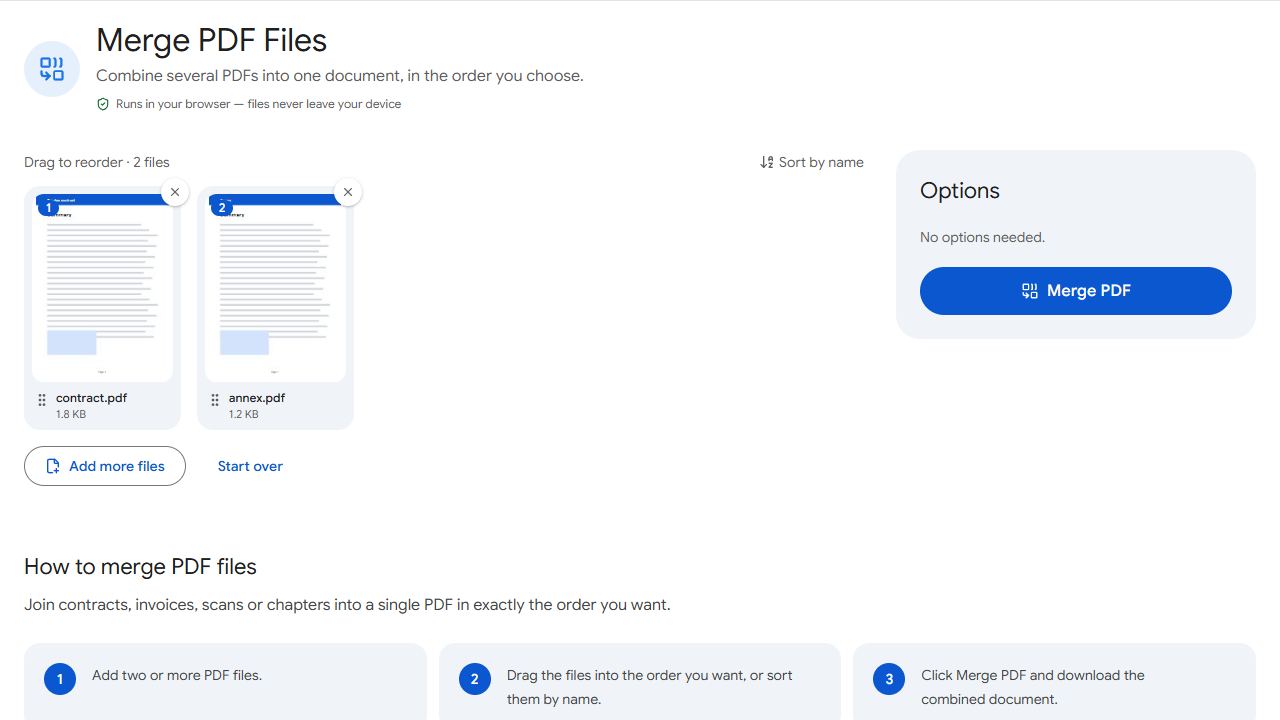
PDFCraftly works the other way round: the tool's code runs in your browser and your file is processed on your own device. Nothing is uploaded, so there's no copy on anyone else's computer to worry about. See are online PDF tools safe? for how to check this yourself.
Side by side
- Where files are processed — iLovePDF: its servers. PDFCraftly: your device.
- Account — iLovePDF: optional, with paid plans for more features. PDFCraftly: none, and no paid plan.
- Everyday jobs (merge, split, rotate, compress, sign, add or remove passwords, page numbers, watermark, OCR) — both.
- Office conversions (PDF to Word, Word to PDF) — iLovePDF: yes. PDFCraftly: no.
- Desktop and mobile apps — iLovePDF: yes. PDFCraftly: runs in any browser, no install.
What PDFCraftly adds
- Specialised splitting: Split by Size for email limits, Split by Text for invoice batches and Split in Half for book scans.
- Bates Numbering, Header & Footer and Bookmarks for legal and long documents.
- PDF to Markdown for notes and AI tools.
- No limit on how many times you use a tool.
Which should you choose?
If you need to turn PDFs into editable Word files, a server-based service like iLovePDF is the right tool. For contracts, IDs, bank statements and other private documents — and for the everyday jobs above — an in-browser tool gives the same result without your file leaving your device.
PDFCraftly isn't affiliated with iLovePDF. Features change over time, so check each service's current plans.
Common problems and fixes
- I need to compress a PDF.
- Use Compress PDF. Like every tool here, it runs in your browser, so the file isn't uploaded.
- I need PDF to Word.
- PDFCraftly can extract the text with PDF to Text or PDF to Markdown, but not the layout. For a formatted Word file, use a server-based converter.
- I used batch processing on iLovePDF.
- Several tools here accept many files at once, including Merge PDF, Bates Numbering, Remove Annotations, PDF to Text and JPG to PDF.
- My company blocks PDF upload sites.
- In-browser tools don't upload files, but check with your IT team before using any online tool with work documents.
Frequently asked questions
It's a well-established service with a published privacy policy. The difference is that your files are processed on its servers. Whether that's acceptable depends on the document.
No. It's an independent site.
Yes. There's no account, no paid plan and no limit on use.
Yes. Every tool runs in mobile browsers on Android and iPhone.