How to Make Documents Fit Nepal's Online Form Size Limits
By Bishal Neupane · · 2 min read
Nepal's online services, from the passport application to police clearance, reject uploads that are too big. The fix takes a minute: scan cleanly, then compress each file to the limit the form states.
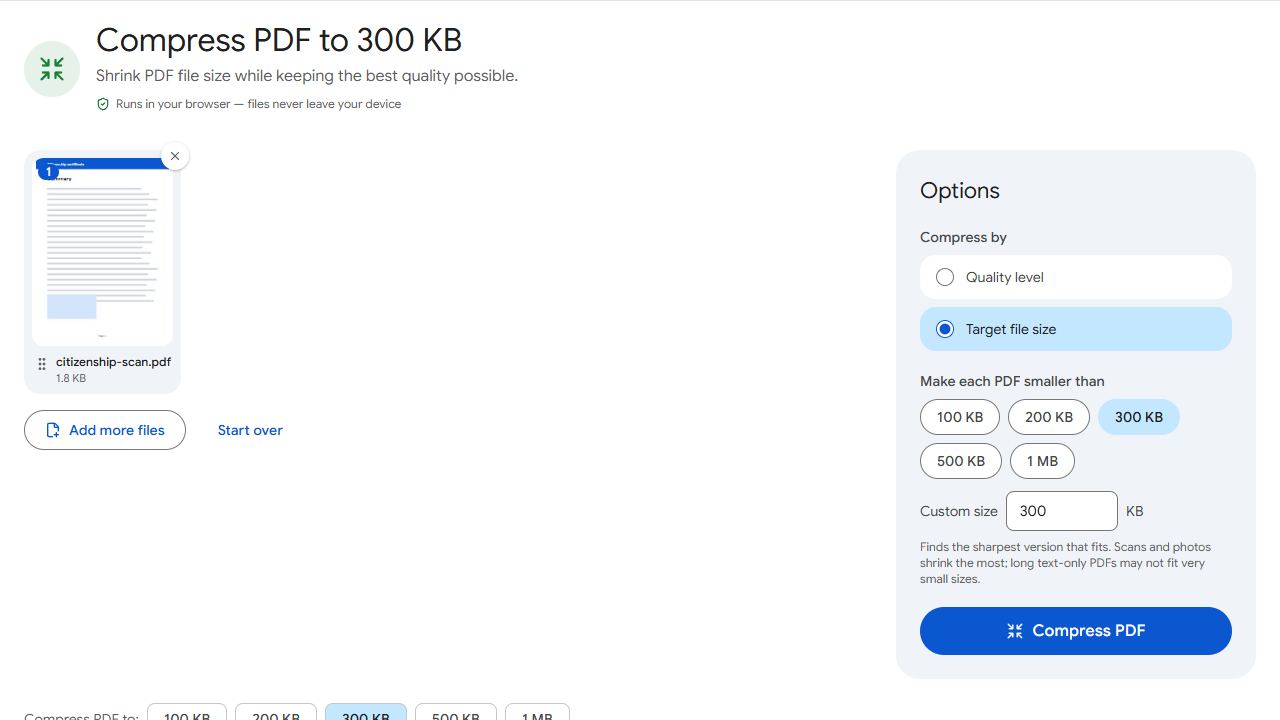
Know the limit before you scan
Nepal's online passport application asks for scanned documents of 300 KB or less each (see the passport portal's instructions). Other forms set their own limits; a widely shared guide to the police clearance report suggests keeping each file around 150 KB. Limits change, so always read the instructions on the form you're filling in.
Compress a PDF to the exact limit
- Scan the document to PDF. Scan to PDF on your phone works well in daylight.
- Open Compress PDF to 300 KB, or Compress PDF and choose Target file size for any other limit.
- Add the PDF and click Compress PDF. The result says whether it fits, for example "284 KB — fits under 300 KB".
- Upload the downloaded file to the portal.
The tool keeps the sharpest version that fits, so a one- or two-page citizenship scan stays readable. Nothing is uploaded while you compress.
Photos and signatures
Photo and signature uploads usually have their own, smaller limits. Use Compress JPG with a preset such as 50 KB for a photo or 20 KB for a signature. If the form also sets exact pixel dimensions, crop the photo to that shape first.
Tips that keep small files readable
- Scan in colour at about 200 DPI. Higher resolutions only make the file bigger before it's compressed.
- Crop away the table or background around the document.
- Keep one document per file unless the form says otherwise.
- Use English letters in file names, such as
citizenship-front-back.pdf.
Results stay under the limit whether a portal counts 1 KB as 1,000 or 1,024 bytes.
Common problems and fixes
- The portal still says the file is too big.
- Check the exact limit on the form; some are 200 KB or less. Compress again in Compress PDF with that number as a custom size.
- The compressed scan is hard to read.
- Rescan in good light and crop tightly. A clean, bright scan compresses much better than a dim one.
- The portal only accepts JPG.
- Convert with PDF to JPG, then fit each image under the limit with Compress JPG.
- It can't get under the limit.
- The PDF probably has more pages than the form needs. Keep only the pages asked for with Remove Pages, then compress again.
Frequently asked questions
The passport portal asks for scanned documents of 300 KB or less. Check its instructions when you apply, as requirements can change.
Yes. Compression runs in your browser, so the document never leaves your device.
Yes. Scanning, compressing and downloading all work in a phone browser.
Colour, unless the form says otherwise. Target-size compression keeps colour scans within the limit.