eCitizen Kenya Passport Photo and Document Upload Requirements
By Bishal Neupane · · 6 min read
Kenyans applying for a passport on eCitizen upload a passport photo and scans of their ID, birth certificate and other papers before paying and printing the form. The photo has an exact published size, and the scans must be images rather than PDFs. Here are the rules as the Directorate of Immigration and Kenya's embassies state them, with sources, and the quickest way to prepare each file on a phone.
The passport photo: 207 by 207 pixels, colour, white background
The Immigration Department's photo requirements page on eCitizen lists what the uploaded photo must be:
- In colour, on a white background, in sharp focus.
- 5.5 cm by 5.5 cm, which it gives as 207 by 207 pixels: a square photo.
- A close-up of your head and the top of your shoulders, with your face filling 70 to 80 percent of the frame, looking straight at the camera.
- Taken within the last 6 months, without a hat or cap, with hair tucked behind the ears. Headgear is considered only on religious grounds, and the face must stay fully visible.
- Not a scan or colour photocopy of a printed photo.
The page gives dimensions, not a kilobyte limit. If the upload field on your form shows a maximum size, treat that as the rule. Kenya's embassy in Washington, which walks diaspora applicants through the same eCitizen form, suggests exporting the photo as a JPG of about 150 KB in its ePassport instructions, which is a sensible target when the form itself does not say.
Prepare the photo on your phone
- Take the photo against a plain white wall in daylight, or have a studio take it and send you the file.
- Crop it to a square in your phone's gallery app, keeping your head and the top of your shoulders. Most gallery apps have a 1:1 crop preset.
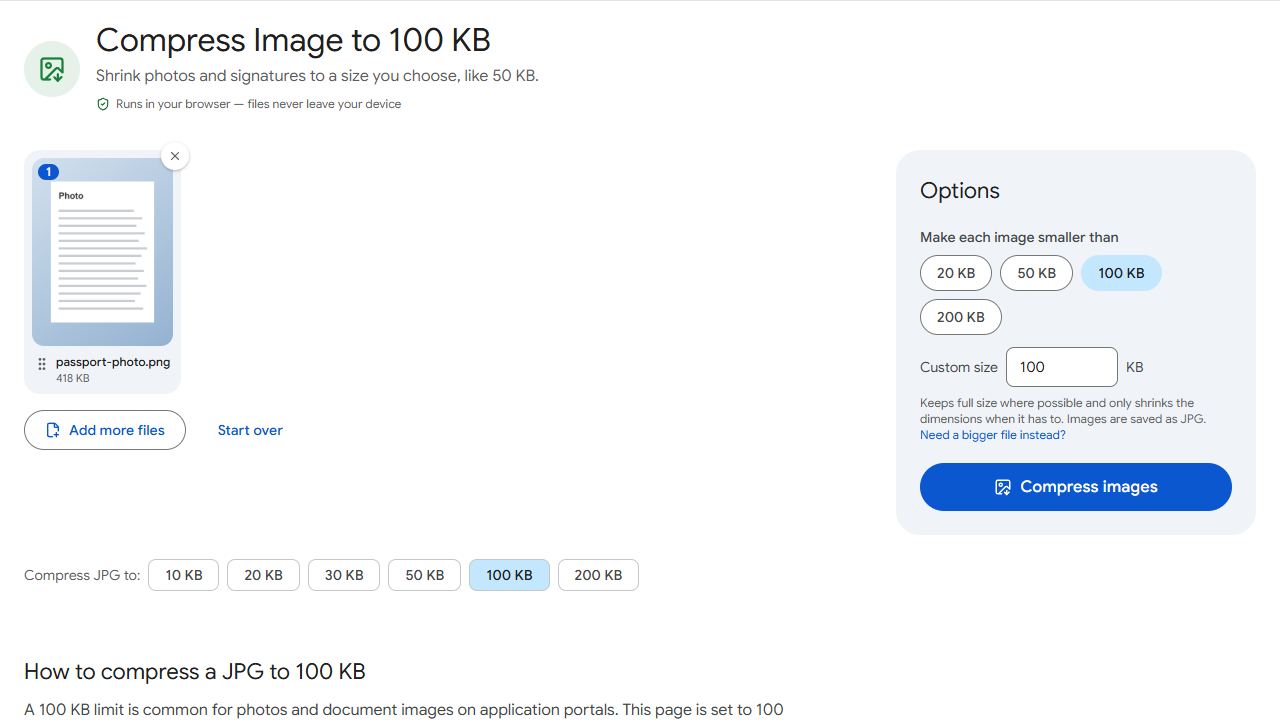
- Open Compress JPG, add the photo, choose a target such as 150 KB or the limit printed on the form, and click Compress images.
- Check the result. It shows the final size and the pixel dimensions, so you can confirm the photo is still at least 207 pixels on each side before you download it.
The tool lowers JPEG quality first and reduces dimensions only if it has to, so a square phone photo normally stays far larger than 207 pixels while landing under the limit. A photo that is already exactly 207 by 207 pixels is tiny, usually well under 50 KB, so it needs no compression at all. For more on photo limits in general, see how to reduce a photo to 50 or 100 KB.
PDFCraftly does not stretch a photo to exact pixel sizes or change the background. Get the square crop and the white wall right when you take the picture.
Scanned documents must be images, not PDFs
The embassy's instructions are explicit: when uploading scans to the eCitizen passport application, "make sure they are in picture format (.jpeg or .png) and not in document format (.pdf, .rtf, .docx or .doc)" (source). That catches many people who scanned their birth certificate or ID straight to PDF.
- If you already have a PDF scan, open PDF to JPG and convert it. Each page becomes one JPG.
- If you are scanning fresh, photograph each document flat, in daylight, straight on.
- Open Compress JPG and set the target to the size shown on the form, or about 150 KB if it shows none. You can add several images at once; each is compressed on its own and they download together.
- Upload the JPGs to the matching fields.
Nothing is uploaded to PDFCraftly during any of this. Conversion and compression run in your browser, so your ID and birth certificate stay on your device.
Other Kenyan portals: KRA iTax takes PDFs up to 10 MB
Not every Kenyan portal is this strict. KRA's iTax asks taxpayers to scan supporting documents "into a single file, preferably a PDF, for upload with a current maximum file size of 10 MB", and accepts .pdf, .doc, .docx, .xls and .xlsx for income tax return adjustments (KRA step-by-step guide, May 2026). There the job is the opposite of eCitizen: put many pages into one file.
- Scan each invoice or statement with Scan to PDF, or gather the PDFs you already have.
- Combine them into one file with Merge PDF.
- If the merged file is over 10 MB, open Compress PDF, set Target file size to 10 MB (or Compress PDF to 2 MB if you want a comfortable margin), and download the result.
Other services on eCitizen, such as HELB or NTSA, set their own limits on the upload field. The method is the same: read the format and size beside the field, then compress to that number.
Before you click Submit on eCitizen
- Photo: colour, white background, square, at least 207 by 207 pixels, under the size the form states.
- Scans: JPEG or PNG for the passport application, one document per file, readable when you zoom in.
- File names in plain letters, such as
birth-certificate.jpg, so you attach the right file to the right field. - Keep the originals. You still present the physical documents and printed form at Nyayo House, Mombasa, Kisumu or your embassy for biometrics.
Applying in Rwanda instead? Irembo's upload limits are different: PDFs under 500 KB and a JPG photo.
Common problems and fixes
- eCitizen rejects my scanned document.
- For the passport application, scans must be images (JPEG or PNG), not PDFs. Convert a PDF scan with PDF to JPG, then compress each image with Compress JPG to the size shown on the field.
- My photo is rejected as the wrong size.
- The published size is 5.5 by 5.5 cm, or 207 by 207 pixels: a square. Crop to a 1:1 square in your gallery app, then compress. The result in Compress JPG shows the pixel dimensions so you can confirm it is still at least 207 pixels wide.
- The photo looks fine but the field says it is too big.
- Set a target in Compress JPG, such as 150 KB or the limit the form shows, and compress again. Cropping tighter around your head and shoulders also makes a big difference.
- My session timed out while I was preparing files.
- Log back in, open History, select your application (it starts with epp1 or cpp1) and click Edit to continue, as the embassy's instructions describe. Prepare all files first next time, then upload them in one sitting.
- KRA iTax says my supporting document is over 10 MB.
- Open Compress PDF, type 10 MB (or less) as the Target file size and download the result. If the file has pages you do not need, remove them first with Remove Pages.
Frequently asked questions
The Immigration Department's page gives 5.5 cm by 5.5 cm, or 207 by 207 pixels, in colour on a white background, not older than 6 months. It does not state a kilobyte limit, so follow the size shown on the upload field; the Kenyan embassy in Washington suggests a JPG of about 150 KB.
According to the Kenyan embassy's instructions for the same form, scans must be in picture format (.jpeg or .png), not .pdf or Word files. Convert PDFs with PDF to JPG first.
No. The compressor lowers JPEG quality first and reduces dimensions only when needed to hit the size limit, and it reports the final pixel size. Crop the square yourself in your gallery app; the tool then makes sure the file is small enough.
No. Conversion and compression run in your browser, on your device. Nothing is sent to PDFCraftly's servers.
KRA's May 2026 guide says supporting documents should be combined into a single file, preferably a PDF, with a current maximum of 10 MB. Combine files with Merge PDF and shrink them with Compress PDF if needed.