PDF Too Large to Email? 5 Practical Fixes
By Bishal Neupane · · Updated · 2 min read
Most email services limit attachments to around 20–25 MB, and many workplace mail servers allow even less. If your PDF bounces, one of these fixes will get it through.
1. Compress it
Most oversized PDFs are scans or contain photos. Compress PDF resamples those images and recompresses the rest of the file, often cutting the size by half or more with no visible difference on screen. Start with Recommended, and try Extreme if it still doesn't fit.
2. Remove pages the recipient doesn't need
Scanned documents often include blank backs, cover sheets or appendices nobody asked for. Delete them with Remove Pages, or keep only what's needed with Extract Pages. Each scanned page can easily be half a megabyte or more, so this adds up quickly.
3. Split it into several emails
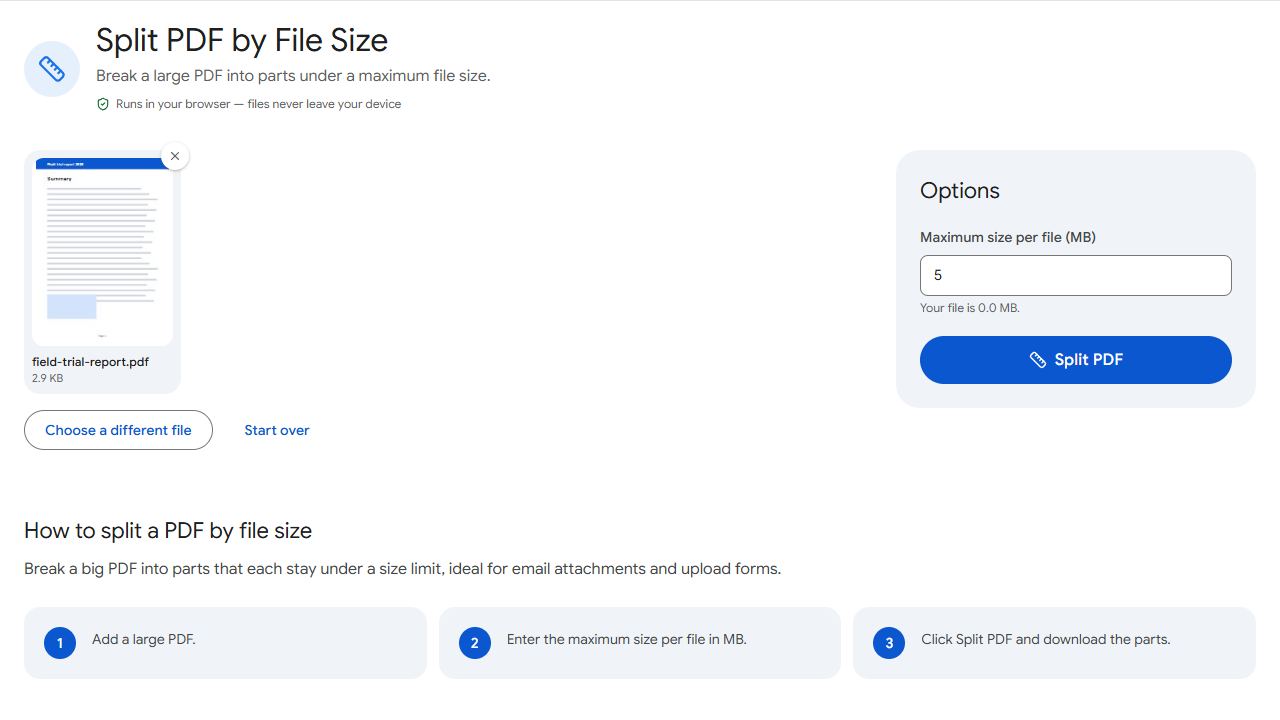
Split by Size breaks the PDF into parts that each stay under a size you choose — say 10 MB — without cutting any page in half. Send the parts in separate emails and number them in the subject line ("Part 1 of 3").
4. Send just the pages as images
If the recipient only needs to look at a page or two, PDF to JPG at Normal resolution usually produces much smaller files than a scanned PDF page.
5. Share a link instead
For very large files, upload the PDF to cloud storage you already use (Google Drive, OneDrive, Dropbox) and email a share link. Check the link's permissions so only the intended people can open it.
When you scan documents yourself, a resolution of 200–300 DPI is plenty for text. Scanning at 600 DPI roughly quadruples the file size with no visible benefit on screen.
Common problems and fixes
- The email still bounces after splitting.
- Some workplace mail servers accept much less than 25 MB, and attachments grow by about a third when sent. Split into smaller parts, such as 5–8 MB each.
- One part is larger than the limit I set.
- A single page is bigger than the limit on its own — usually a high-resolution scan. Split by Size never cuts a page in half, so that page ends up alone in its part.
- The recipient can't open a shared cloud link.
- Check the link's sharing settings. "Anyone with the link" is easiest; "Restricted" requires the recipient to sign in with an account you've added.
- The images from PDF to JPG are still large.
- Use Normal or Low resolution and JPG format rather than PNG.
Frequently asked questions
Consumer email services commonly allow around 20–25 MB per message, and the limit counts all attachments together. Work accounts may set lower limits.
Each page is stored as a detailed image. High scan resolutions (600 DPI) and colour mode make files much bigger than text documents.
It's as safe as the link's permissions. Share with specific people where possible, and remove access when it's no longer needed.
Yes. Compress PDF shrinks scans and photo-heavy PDFs in your browser, often by half or more. Try it before splitting.