Where Are Downloaded PDFs Saved on iPhone and Android?
By Bishal Neupane · · 4 min read
You tap download, a PDF appears for a second, and then you cannot find it. That is one of the most common phone annoyances, and the answer depends on whether the file came from a browser, an email or a chat app. This guide shows where PDFs usually end up on iPhone and Android, how to open them in the right app, and how to pick one when a tool asks for a file.
The short answer
- iPhone, from Safari: the Downloads folder in the Files app, unless you changed the download location in Safari's settings.
- Android, from Chrome: the Downloads folder, which you can open from your file manager or from Chrome's own downloads list.
- Email and chat attachments: these often stay inside the app until you save or download them. Look in the app first, then save a copy to your phone.
Phone makers and versions differ in the names and layout of menus, so treat the steps below as a guide and use your phone's search if something looks different.
Find a PDF on iPhone
- Open the Files app and tap Browse.
- Choose Downloads under the locations list. If you cannot see it, look in On My iPhone or iCloud Drive.
- Use the search box at the top and type part of the file name, or just pdf.
- Tap the file to open it in the built-in viewer.
In Safari, the downloads button in the address bar lists recent downloads, and tapping a file there opens it. Attachments from Mail, Messages or WhatsApp usually need a save step: open the PDF, tap Share, then choose Save to Files and pick a folder.
Find a PDF on Android
- Open your file manager. This might be Files by Google or an app that came with your phone.
- Go to Downloads and sort by newest.
- If it is not there, search the file manager for the name or for .pdf.
- In Chrome, you can also open the three-dot menu and choose Downloads to see the list.
Files saved from Gmail, WhatsApp or other apps may sit in that app's own folder, or in Downloads or Documents, depending on the app and your phone. If you opened the attachment but never saved it, open it again and use the app's save or download option.
If you cannot remember the name, sort by date in your file manager and look at the newest PDF, then check that the time matches.
Open it in the right app
Tapping a PDF opens it in the default viewer. To pick a different one, use the share or open-with option, then choose from the list. If a file seems stuck or shows nothing, try opening it in a web browser, which tells you whether the file or the app is at fault. If it still will not open, see why a PDF won't open.
Move, rename or tidy the file
Both the Files app and Android file managers let you press and hold a file to move, copy, rename or delete it. Move important PDFs into a folder you will recognise, such as Documents, so they stay easy to find. Renaming a file to something descriptive saves a lot of searching later. Delete copies you no longer need, especially if they contain personal details.
Use a downloaded PDF with PDFCraftly tools
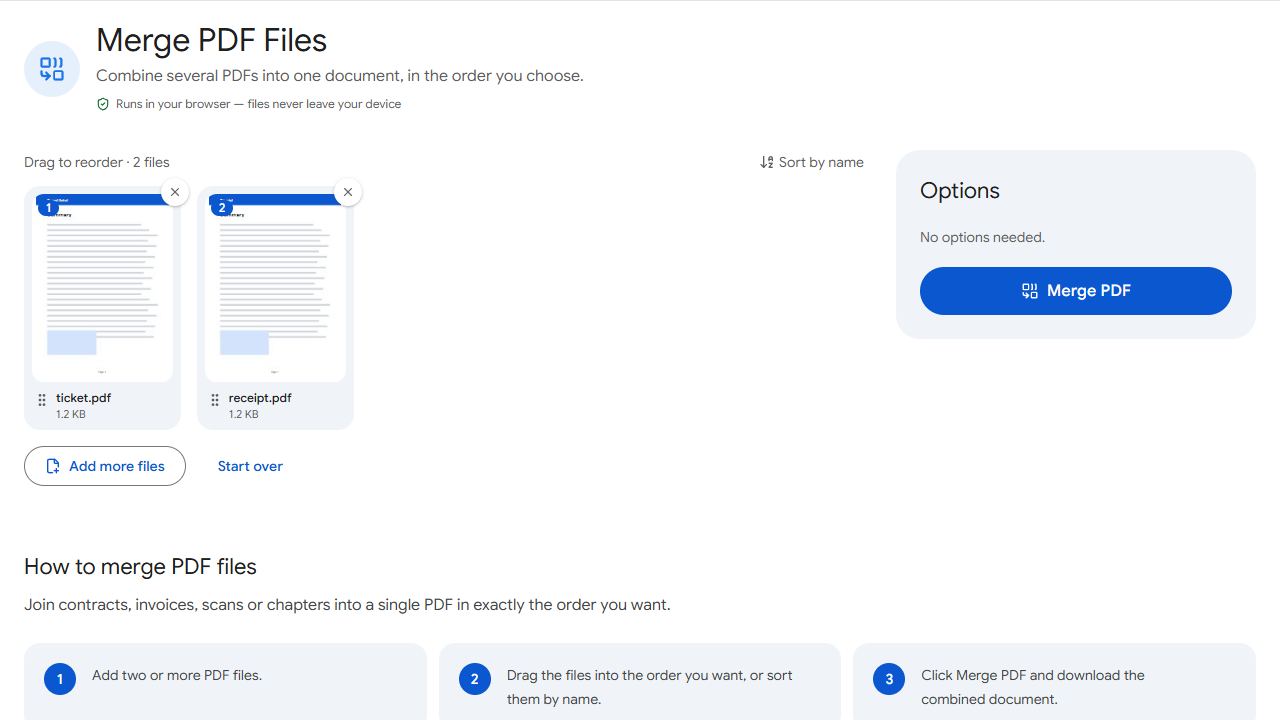
When a tool such as Compress PDF, Merge PDF or Unlock PDF asks for a file, tap the upload area and your phone shows its file picker. Choose the PDF from the Downloads folder, Documents or wherever you saved it. The files are processed in your browser on your device, not uploaded. The result downloads to the same place your browser normally saves files.
If you have photos you want to turn into a PDF first, see how to turn a photo into a PDF or, on an iPhone, how to convert a photo to PDF on iPhone. To combine PDFs on an iPhone, see how to merge PDF on iPhone. And if a PDF from a chat won't open at all, see why a PDF won't open in WhatsApp.
Common problems and fixes
- I downloaded a PDF and cannot find it.
- Look in Downloads in the Files app on iPhone or in your file manager on Android, then search by name or .pdf. In the browser, the downloads list also opens recent files.
- A PDF from WhatsApp or email is not in my files.
- Attachments can stay inside the app. Open the PDF, use Share or Download, and save it to your phone.
- The upload picker doesn't show my PDF.
- Browse to the folder where you saved it, such as Downloads or Documents. If it was only previewed in an app, save a copy first.
- The PDF opens in the wrong app.
- Use the share or open-with option to choose another viewer, or open it from your web browser.
Frequently asked questions
Safari normally saves them to the Downloads folder in the Files app, unless you changed the download location in Safari's settings.
Usually the Downloads folder, which you can open from your file manager or from Chrome's downloads list. Layouts vary by phone.
No. The tools process the file in your browser on your device, and the result downloads to your usual download location.
Move them into a folder you will recognise, such as Documents, and give them clear names.